{level}
{minutes ? About {minutes} min read : null}
 Have you ever wanted to trade on presidential elections, or on whether aliens exist? Before the internet, you had to find someone just as interested in the subject as you, with the opposite view, and willing to take you up on it. Only then would you have a deal.
With Jupiter Predict, you can now do this with people from all over the world. Markets come mainly from Polymarket, plus integrations supported by Jupiter, so you can trade on anything from politics to the weather, as long as there is a market for it. Jupiter does not create markets itself.
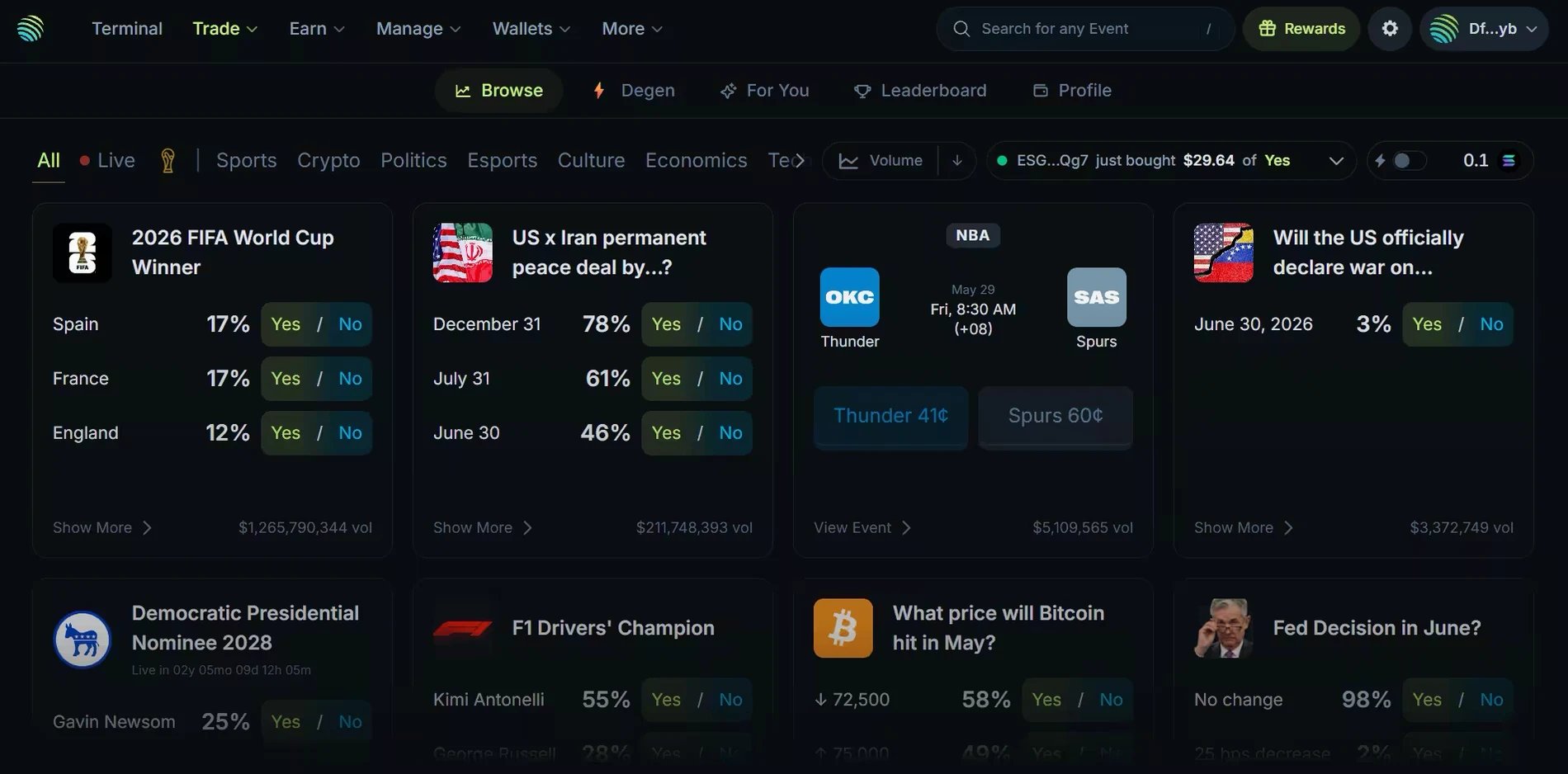
It works like traditional sports betting, which you can also do on Jupiter Predict. The main difference: with a bookmaker, a single operator sets the odds of a match. On a prediction market, traders set the prices, through supply and demand. Predict's sports ticket markets are the exception: a sportsbook provider sets their odds, and a ticket is held until the market resolves.
Have you ever wanted to trade on presidential elections, or on whether aliens exist? Before the internet, you had to find someone just as interested in the subject as you, with the opposite view, and willing to take you up on it. Only then would you have a deal.
With Jupiter Predict, you can now do this with people from all over the world. Markets come mainly from Polymarket, plus integrations supported by Jupiter, so you can trade on anything from politics to the weather, as long as there is a market for it. Jupiter does not create markets itself.
It works like traditional sports betting, which you can also do on Jupiter Predict. The main difference: with a bookmaker, a single operator sets the odds of a match. On a prediction market, traders set the prices, through supply and demand. Predict's sports ticket markets are the exception: a sportsbook provider sets their odds, and a ticket is held until the market resolves.
 ## How does it work?
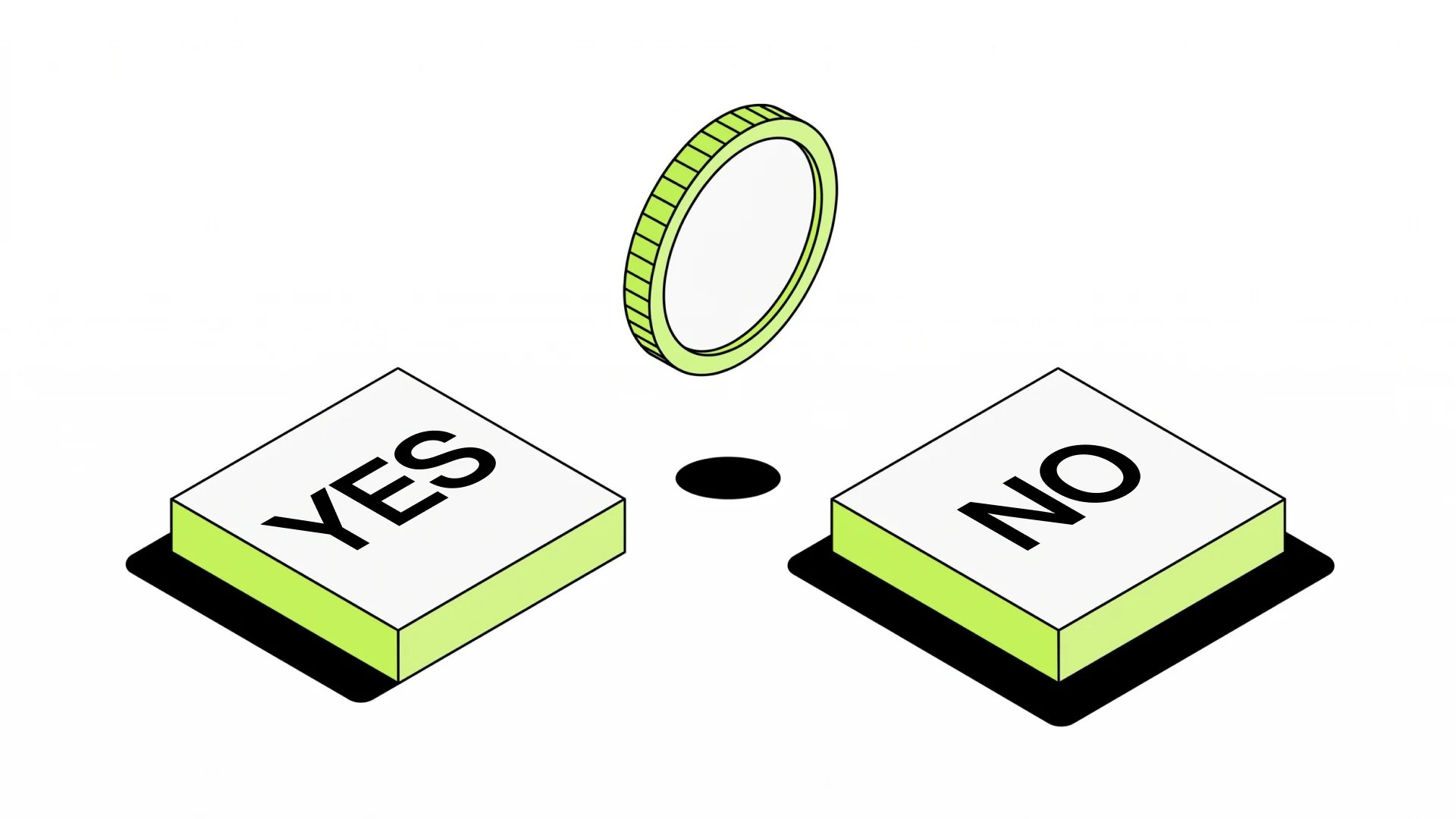
Most markets on Predict are order books, where traders place orders at different prices. Each market has two sides, YES and NO. To place a trade, you buy contracts on the outcome you believe will win. Contract prices usually range from \$0.01 to \$0.99 and are set by trading activity and human sentiment, not by a single entity. A winning contract pays \$1 worth of the market's settlement asset, a dollar-pegged token; a losing contract expires worthless.
The price itself carries information: it reflects how likely the market thinks that side is. The closer it is to 0 cents, the less likely the event looks, and the more a correct prediction pays compared with its cost. This is the basic principle of high risk, high reward. Prices are not guaranteed probabilities, though.
Price is decided by humans, and humans make a lot of mistakes. The public may not see the whole picture, or may simply follow the popular view, which can lead to overconfident odds. That is how information asymmetries arise: someone with specific knowledge of a market can see a price as wrong. The market can also be right and that person wrong.
## How does it work?
Most markets on Predict are order books, where traders place orders at different prices. Each market has two sides, YES and NO. To place a trade, you buy contracts on the outcome you believe will win. Contract prices usually range from \$0.01 to \$0.99 and are set by trading activity and human sentiment, not by a single entity. A winning contract pays \$1 worth of the market's settlement asset, a dollar-pegged token; a losing contract expires worthless.
The price itself carries information: it reflects how likely the market thinks that side is. The closer it is to 0 cents, the less likely the event looks, and the more a correct prediction pays compared with its cost. This is the basic principle of high risk, high reward. Prices are not guaranteed probabilities, though.
Price is decided by humans, and humans make a lot of mistakes. The public may not see the whole picture, or may simply follow the popular view, which can lead to overconfident odds. That is how information asymmetries arise: someone with specific knowledge of a market can see a price as wrong. The market can also be right and that person wrong.
 ## Degen: not for the faint-hearted
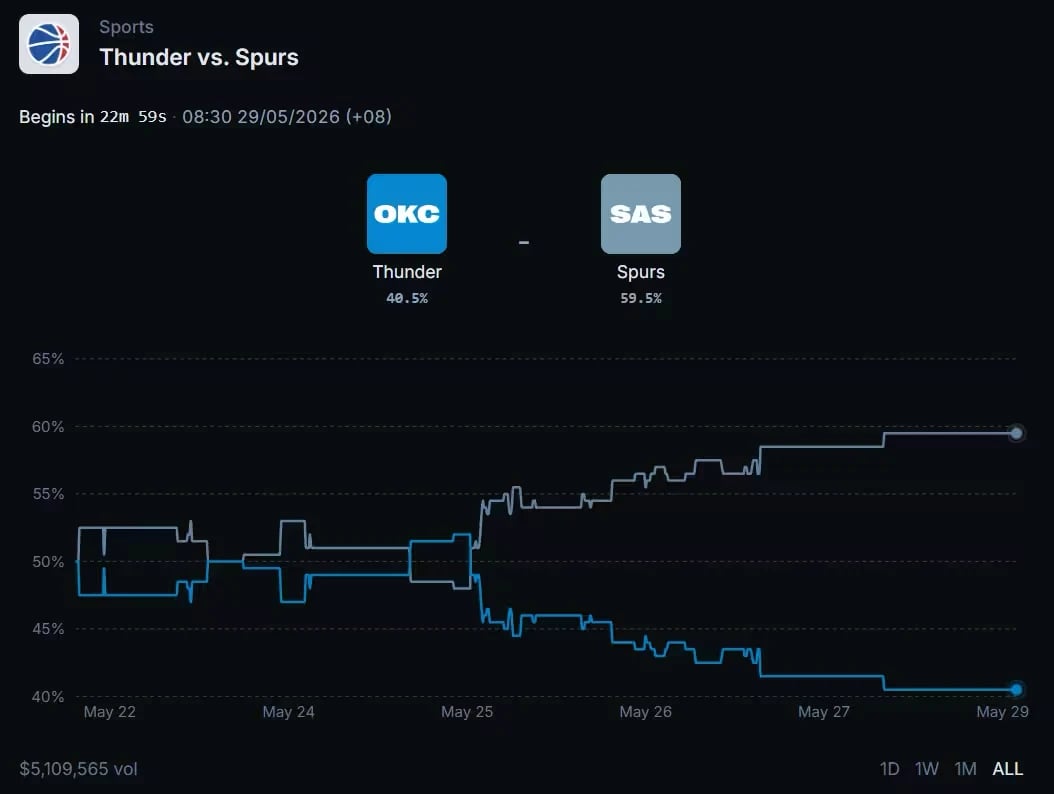
Beyond the standard event markets, Jupiter Predict has Degen, a section dedicated to short-duration markets on price moves. Instead of waiting weeks or months for an election or a championship to resolve, you predict whether a price will go Up or Down over a 5-minute or 15-minute window. The Crypto tab covers BTC, SOL, ETH, XRP, BNB, DOGE and HYPE, and the Stocks tab covers SPCX (SpaceX). The list can change.
## Degen: not for the faint-hearted
Beyond the standard event markets, Jupiter Predict has Degen, a section dedicated to short-duration markets on price moves. Instead of waiting weeks or months for an election or a championship to resolve, you predict whether a price will go Up or Down over a 5-minute or 15-minute window. The Crypto tab covers BTC, SOL, ETH, XRP, BNB, DOGE and HYPE, and the Stocks tab covers SPCX (SpaceX). The list can change.
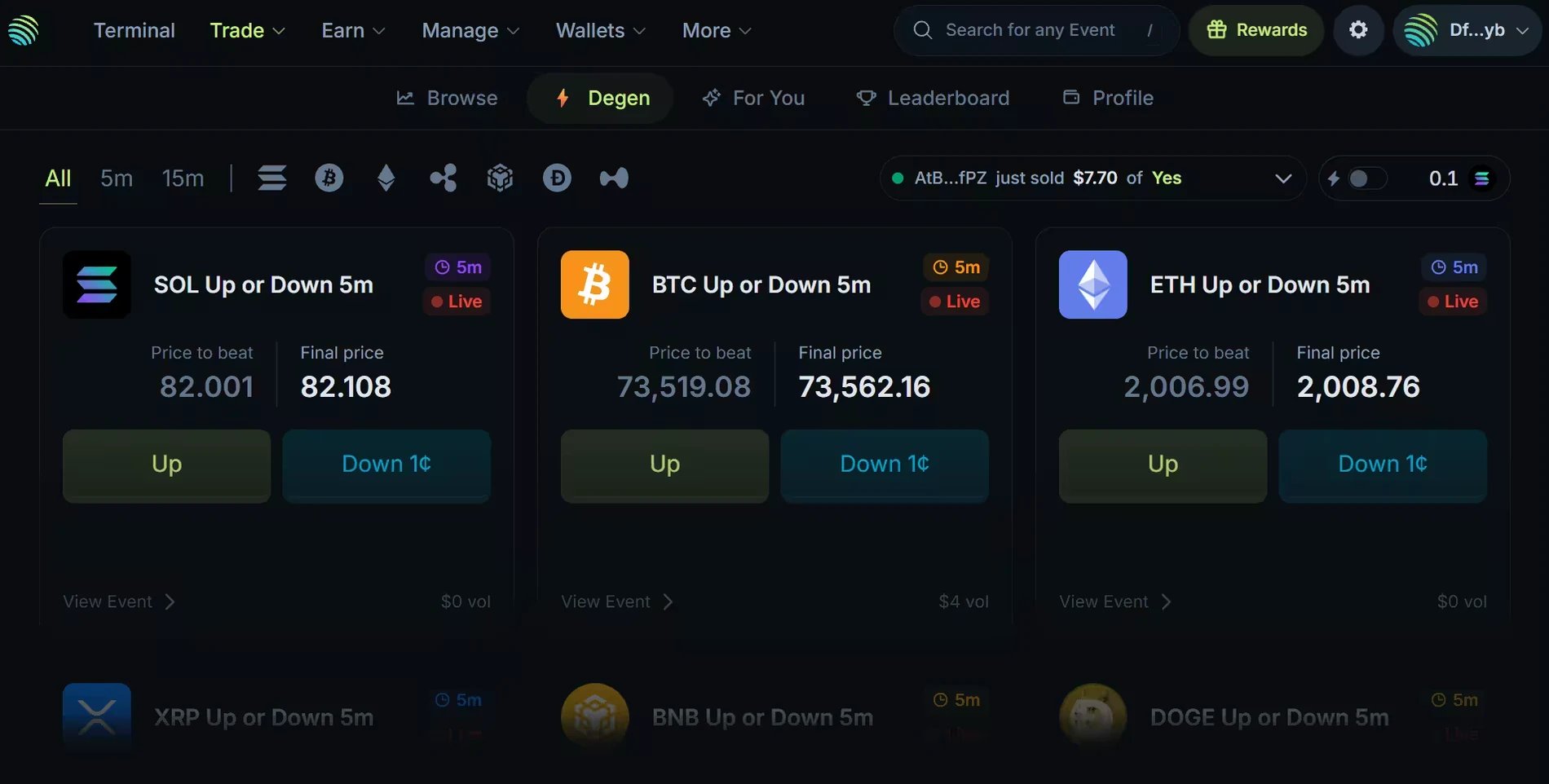 Most Degen markets work like the rest of Predict. SPCX markets are Jupiter Forecast markets, with rules of their own: market orders only, \$5 to \$1,000 per order, trading during US market hours only, and winnings sent to your wallet automatically. For one-minute rounds on BTC and SOL, the [Arcade](/user-docs/trade/predict/arcade) works differently again: everyone bets into a shared pool, and the winning side splits it.
## Prediction example
Let's say you believe in Solana and, with \$100, want to predict that SOL reaches \$240 this year. A YES contract costs \$0.10, so your \$100 buys 1,000 contracts, before fees.
If SOL does reach \$240 this year, the market resolves to YES and each of your contracts pays \$1 at settlement: your position is worth \$1,000, a \$900 profit before fees. Once the market settles, you claim it from the Positions tab of your Profile. Settlement timing is not guaranteed.
If SOL does not reach \$240 this year, the market resolves to NO, your contracts expire worthless, and you lose your \$100.
Contracts are tradable, and their price moves with supply and demand. If SOL climbs to \$200, more traders may buy YES, which could push the price of your contracts up. While the market is open and liquidity allows, you can then sell them for a profit without waiting for settlement, with **Close** in your Profile. Sales execute at the bid price, so the spread reduces what you receive.
## The importance of liquidity
Each market needs enough liquidity for you to trade. On order-book markets, that liquidity comes from traders' orders: you can buy right away at the ask with a market order, or place a limit order at your own price and wait on the bid side for a seller. Limit orders are available as buys on Polymarket-sourced markets only.
* Bid: the highest price a buyer is willing to pay for a contract. It is what you receive when you sell.
* Ask: the lowest price a seller is willing to accept. It is what you pay when you buy.
The gap between the two is the spread: entering and leaving a position costs it, even if the price has not moved.
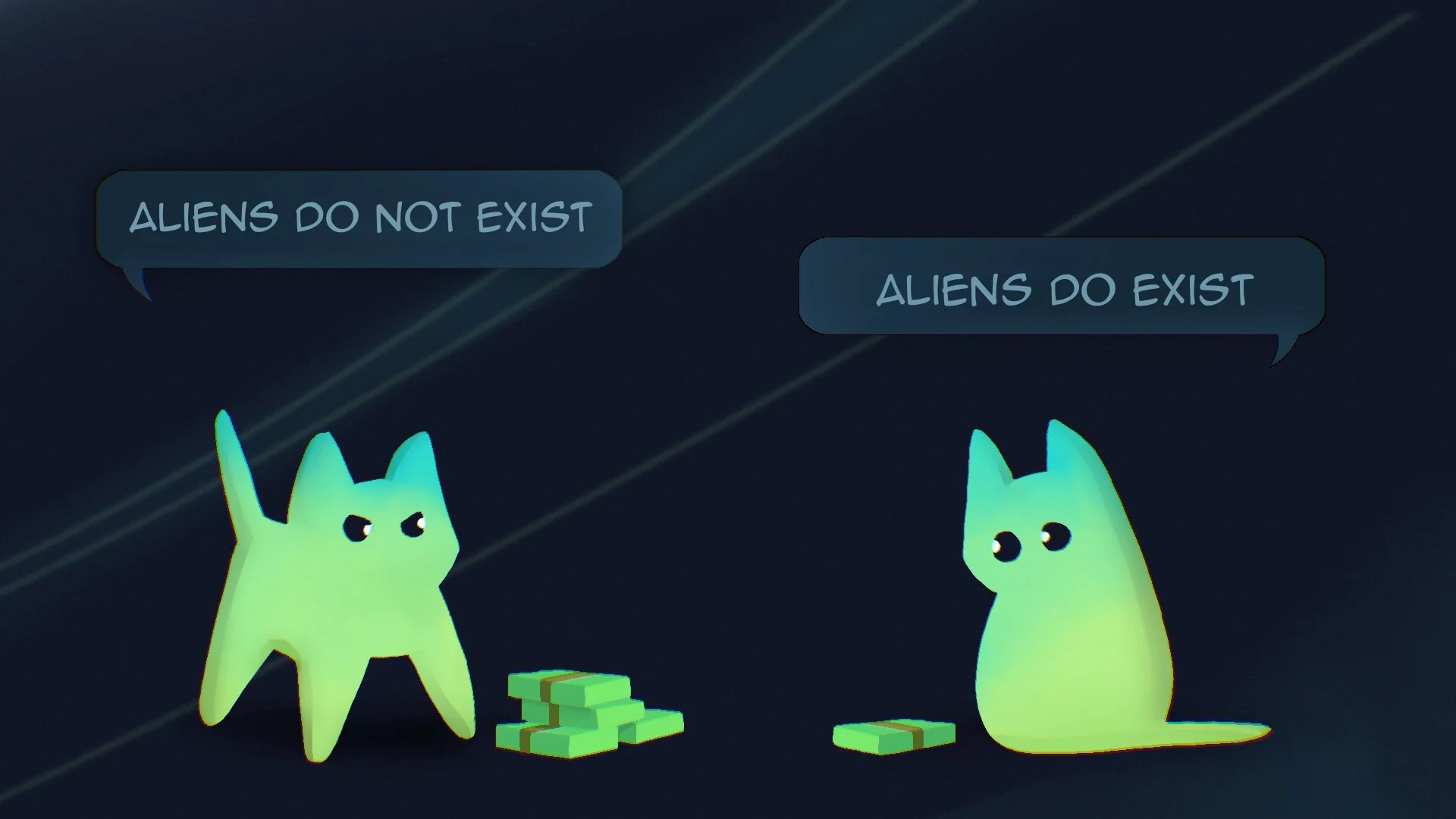
In other words, on order-book markets, every trade needs someone on the other side, taking the opposite view. If you shout "ALIENS DO NOT EXIST" and want to put \$1M in at 80 cents per contract, another trader must shout back "THEY DO EXIST" and back their words with \$250k at 20 cents per contract.
Most Degen markets work like the rest of Predict. SPCX markets are Jupiter Forecast markets, with rules of their own: market orders only, \$5 to \$1,000 per order, trading during US market hours only, and winnings sent to your wallet automatically. For one-minute rounds on BTC and SOL, the [Arcade](/user-docs/trade/predict/arcade) works differently again: everyone bets into a shared pool, and the winning side splits it.
## Prediction example
Let's say you believe in Solana and, with \$100, want to predict that SOL reaches \$240 this year. A YES contract costs \$0.10, so your \$100 buys 1,000 contracts, before fees.
If SOL does reach \$240 this year, the market resolves to YES and each of your contracts pays \$1 at settlement: your position is worth \$1,000, a \$900 profit before fees. Once the market settles, you claim it from the Positions tab of your Profile. Settlement timing is not guaranteed.
If SOL does not reach \$240 this year, the market resolves to NO, your contracts expire worthless, and you lose your \$100.
Contracts are tradable, and their price moves with supply and demand. If SOL climbs to \$200, more traders may buy YES, which could push the price of your contracts up. While the market is open and liquidity allows, you can then sell them for a profit without waiting for settlement, with **Close** in your Profile. Sales execute at the bid price, so the spread reduces what you receive.
## The importance of liquidity
Each market needs enough liquidity for you to trade. On order-book markets, that liquidity comes from traders' orders: you can buy right away at the ask with a market order, or place a limit order at your own price and wait on the bid side for a seller. Limit orders are available as buys on Polymarket-sourced markets only.
* Bid: the highest price a buyer is willing to pay for a contract. It is what you receive when you sell.
* Ask: the lowest price a seller is willing to accept. It is what you pay when you buy.
The gap between the two is the spread: entering and leaving a position costs it, even if the price has not moved.
In other words, on order-book markets, every trade needs someone on the other side, taking the opposite view. If you shout "ALIENS DO NOT EXIST" and want to put \$1M in at 80 cents per contract, another trader must shout back "THEY DO EXIST" and back their words with \$250k at 20 cents per contract.
 ## Risks of trading on Predict
Prediction markets carry real risk. You can lose your entire position by predicting the wrong outcome, or chip away at your portfolio by overtrading. The regular rules of trading apply to prediction markets as well.
One risk specific to prediction markets is the rule set. Each market has written rules that define how and when it resolves. These rules can be easy to understand (a team wins a match), or extremely nuanced, as in politics or economics: a YES contract in those markets may have specific conditions about what counts as a win. Always read the rules summary on the event page before placing a trade. If the rules are unclear to you, that uncertainty is part of the risk. When a source market's result is disputed or delayed, Jupiter follows that source's final result.
Trading on Predict is unavailable in some regions, and the Jupiter Mobile app restricts more regions than the web. Check the [Terms of Use](/user-docs/legal/terms-of-use) before you trade.
## Understanding the fees
Fees depend on the market type. They are included in the quote, and only executed trades pay them:
* Polymarket-sourced markets: where Polymarket charges a fee, Jupiter adds an equal one, so you pay twice the Polymarket fee. It scales with the contract price and the number of contracts, and is highest for trades priced near \$0.50, lowest near \$0 or \$1.
* Sports ticket markets and Jupiter Forecast markets: currently no trading fee.
* Arcade rounds: 1% of the payout, taken only when you win.
* Other Degen markets: set by the market's route and shown in the quote.
Unfilled orders, claims and refunds carry no trading fee. Solana network fees still apply when you sign.
## Place your trade on Jupiter Predict
## Risks of trading on Predict
Prediction markets carry real risk. You can lose your entire position by predicting the wrong outcome, or chip away at your portfolio by overtrading. The regular rules of trading apply to prediction markets as well.
One risk specific to prediction markets is the rule set. Each market has written rules that define how and when it resolves. These rules can be easy to understand (a team wins a match), or extremely nuanced, as in politics or economics: a YES contract in those markets may have specific conditions about what counts as a win. Always read the rules summary on the event page before placing a trade. If the rules are unclear to you, that uncertainty is part of the risk. When a source market's result is disputed or delayed, Jupiter follows that source's final result.
Trading on Predict is unavailable in some regions, and the Jupiter Mobile app restricts more regions than the web. Check the [Terms of Use](/user-docs/legal/terms-of-use) before you trade.
## Understanding the fees
Fees depend on the market type. They are included in the quote, and only executed trades pay them:
* Polymarket-sourced markets: where Polymarket charges a fee, Jupiter adds an equal one, so you pay twice the Polymarket fee. It scales with the contract price and the number of contracts, and is highest for trades priced near \$0.50, lowest near \$0 or \$1.
* Sports ticket markets and Jupiter Forecast markets: currently no trading fee.
* Arcade rounds: 1% of the payout, taken only when you win.
* Other Degen markets: set by the market's route and shown in the quote.
Unfilled orders, claims and refunds carry no trading fee. Solana network fees still apply when you sign.
## Place your trade on Jupiter Predict