/
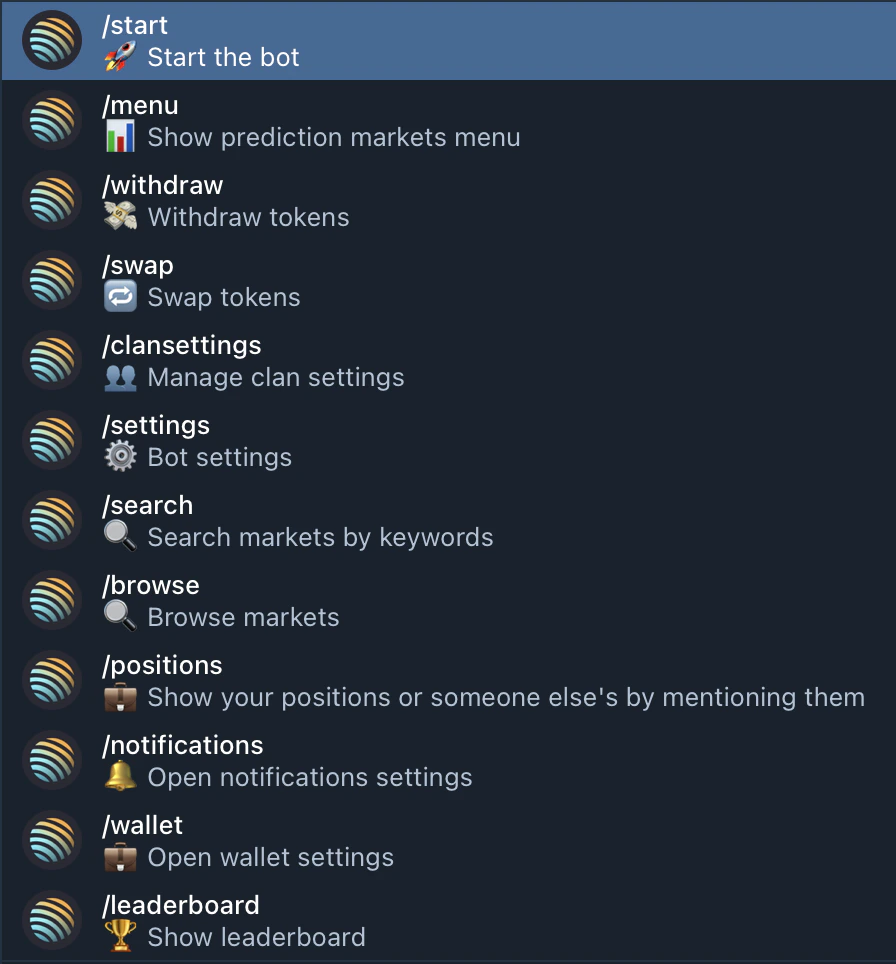
/start
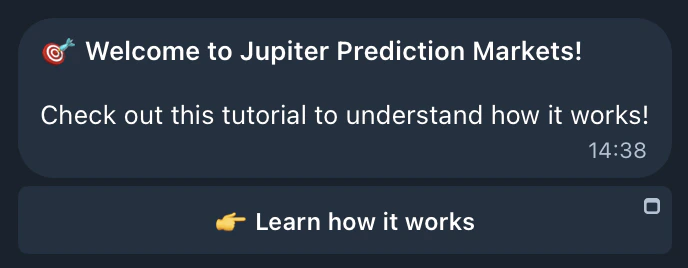
Creates your wallet on first use and shows the onboarding flow. After that, it opens the main menu — same as /menu.
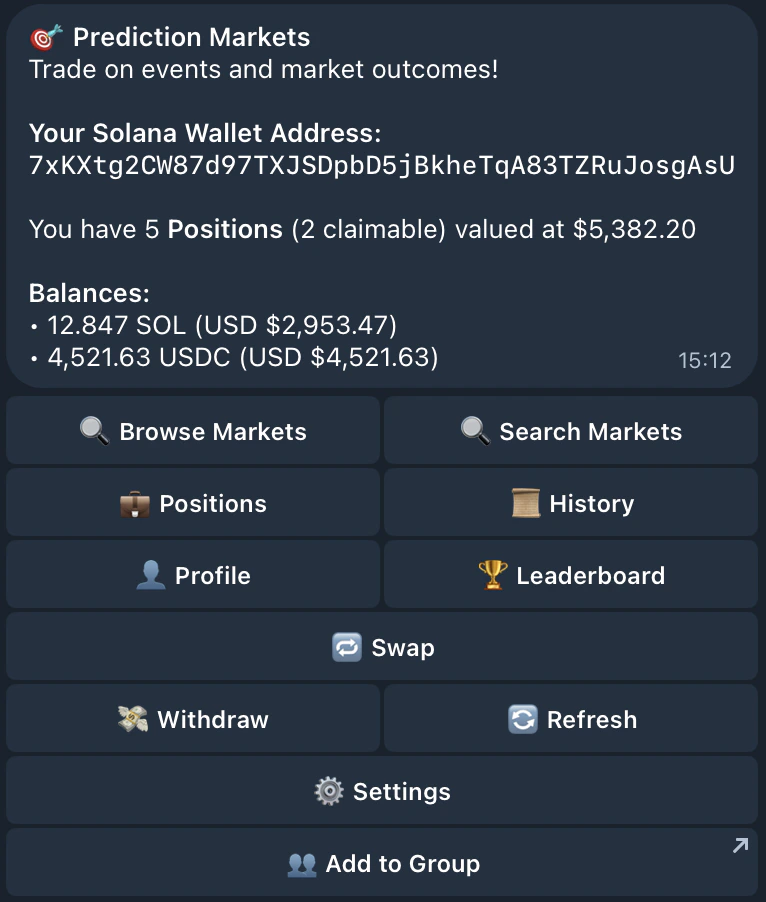
/menu
Opens the main menu — your central hub. From here you can access Browse, Positions, History, Profile, Copy Trade, Referrals, Settings, and more.
/settings
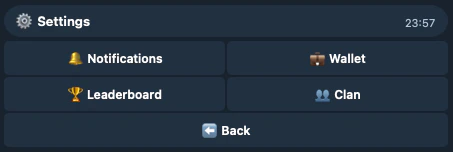
Opens the settings hub with four tabs. Each tab also has a shortcut command to jump straight to it.
Leaderboard settings
Go anon on the trader leaderboard. When enabled, your wallet address replaces your Telegram handle.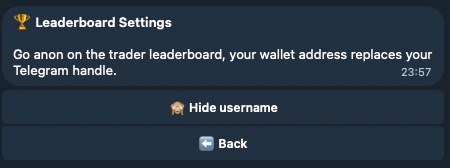
/notifications
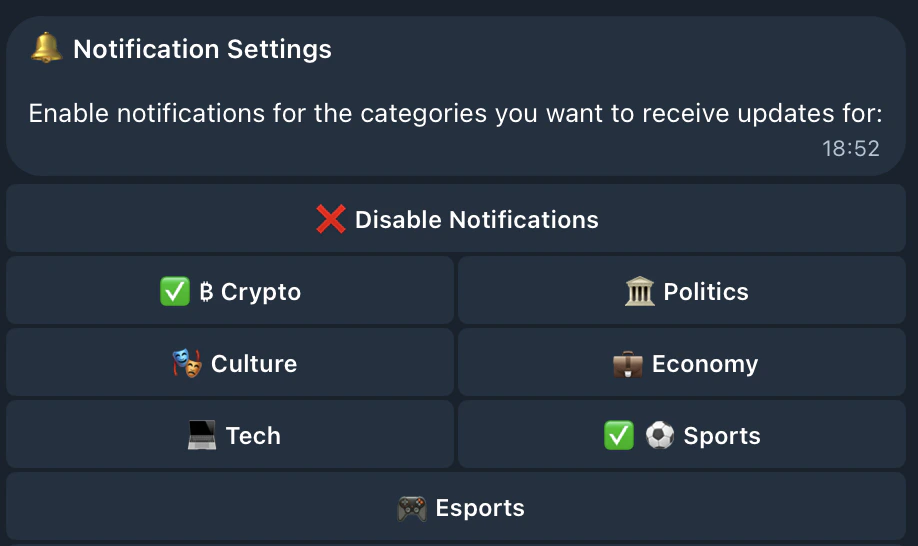
Toggle notifications on/off globally, or enable/disable specific categories (Crypto, Sports, Politics, etc.).
/wallet
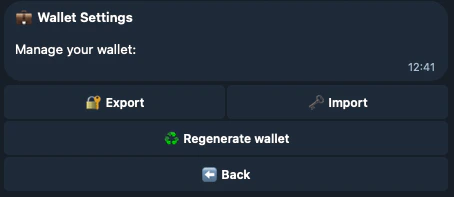
View your Solana address, export or import private keys, or regenerate your wallet.
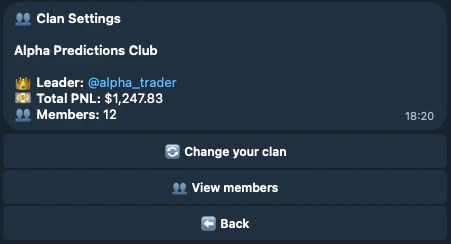
/clansettings
View your clan’s info (name, leader, total PnL, member count) and manage membership. If you’re not in a clan yet, shows available groups to join.
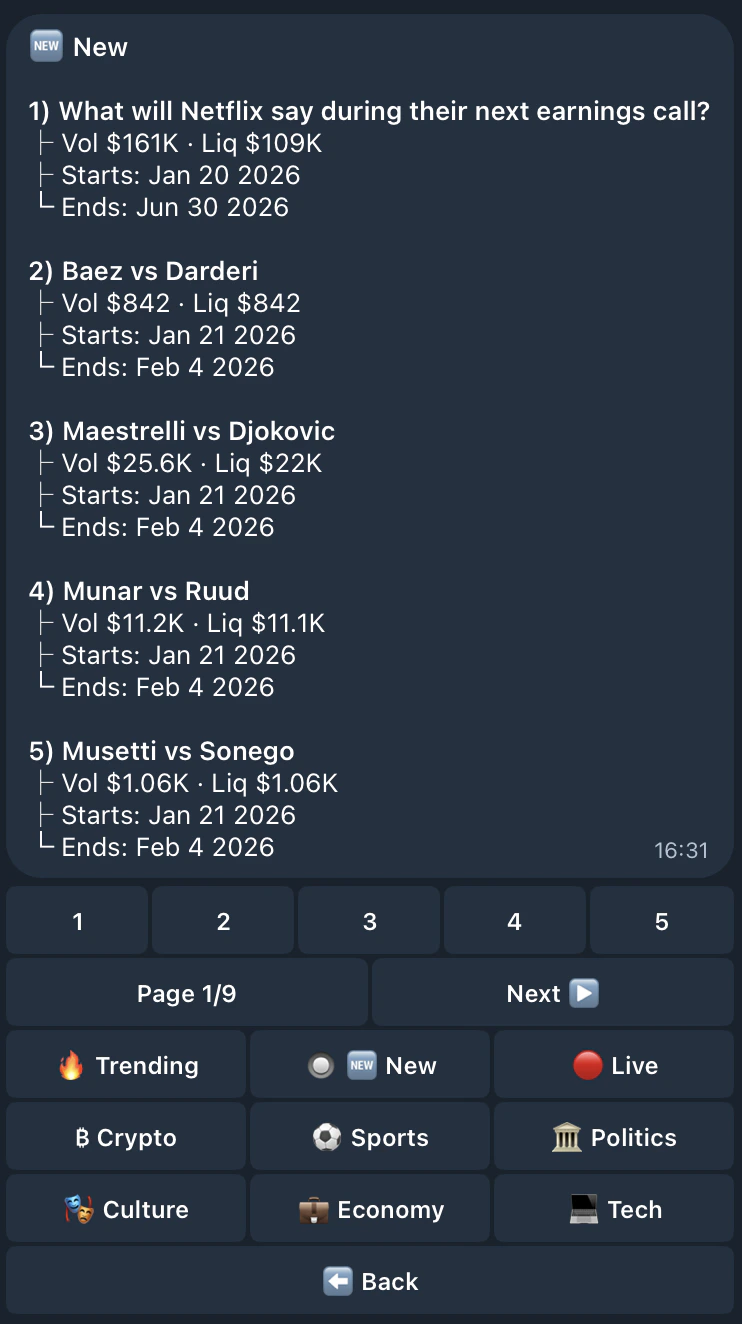
/browse
Explore prediction markets by category (Crypto, Sports, Politics, etc.). Tap a category to see available events with volume, liquidity, and closing dates.
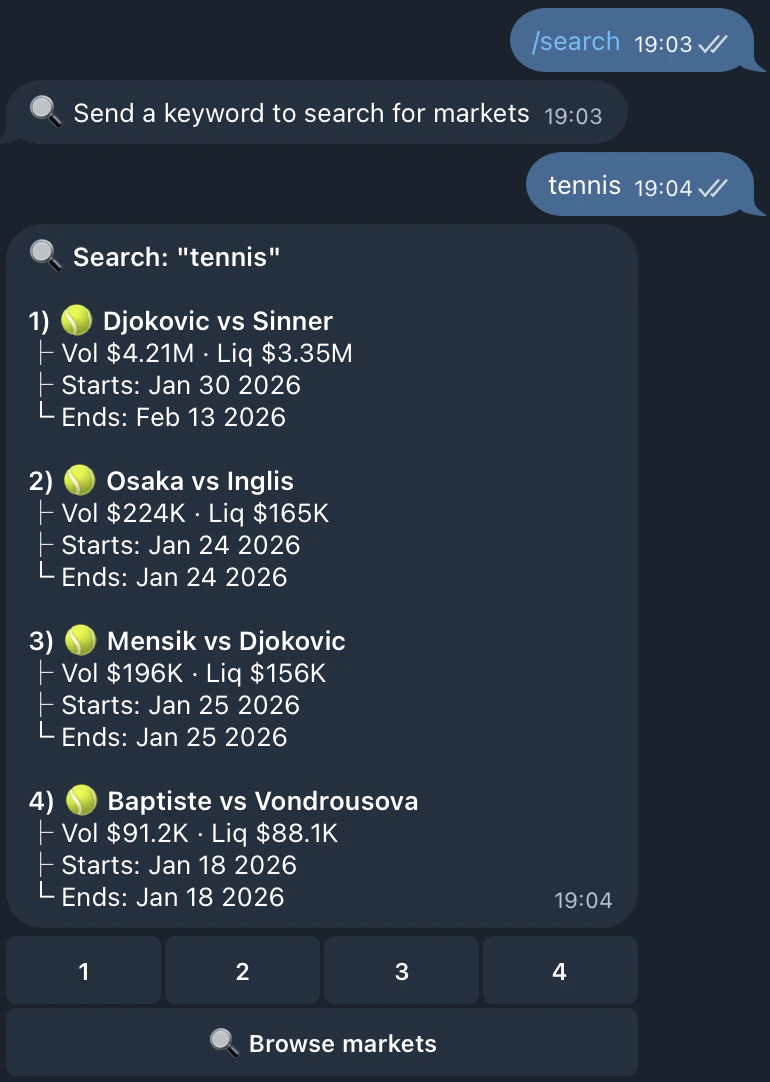
/search
Search markets by keyword. Type /search followed by your term (e.g. /search tennis). Results show matching events with volume, liquidity, and dates.
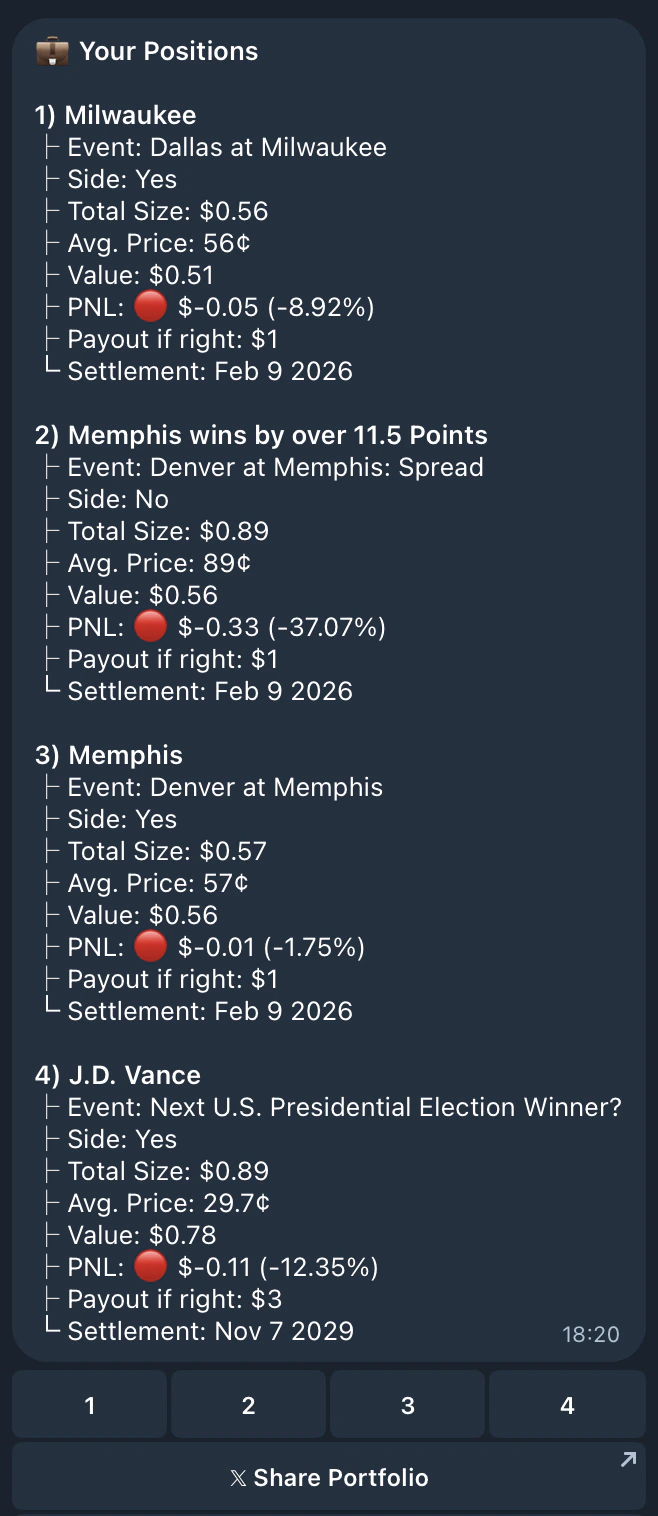
/positions
View your active positions with current value, PnL, and payout info. Select a position to claim winnings, close it, or view the event.
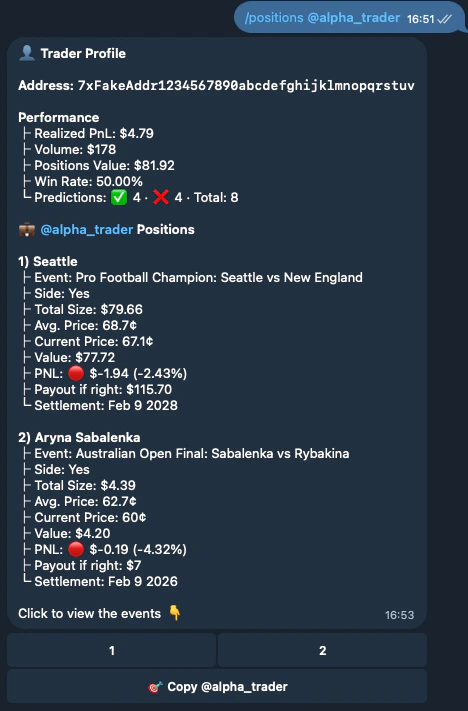
/positions @username. This also shows their Trader Profile (PnL, win rate, volume) and a 🎯 Copy Trade button.
/copytrade
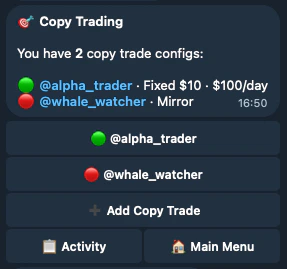
Open the Copy Trade dashboard. Automatically mirror predictions from traders you follow with your own size and risk settings.
From the dashboard you can add new configs, pause/resume existing ones, and view activity logs showing every executed, skipped, or failed prediction.
Copy Trade requires clan membership. See the Copy Trading guide for the full setup walkthrough.
/leaderboard
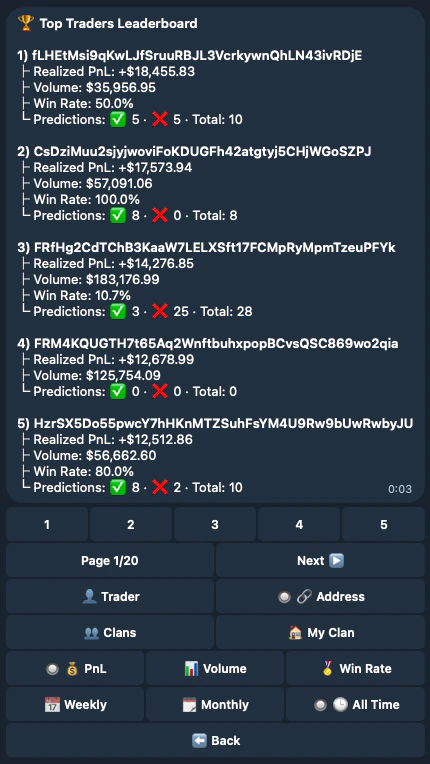
View three rankings:
- Users — all Jupiter prediction activity across every user, shown by Telegram handle or wallet address (if anon is enabled in Leaderboard Settings)
- Clans — clans ranked against each other
- Internal clan — members ranked within your own clan
/withdraw
Withdraw tokens from your bot wallet to any Solana address:
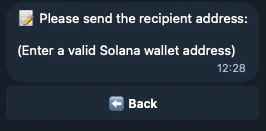
- Enter the recipient Solana address
- Select token (SOL, USDC, or JupUSD) and choose amount (25%, 50%, 75%, 100%, or custom)
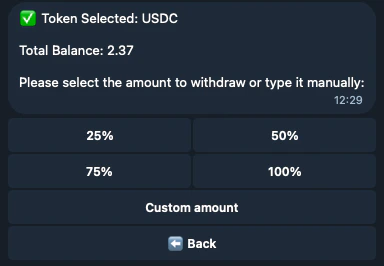
- Confirm the withdrawal
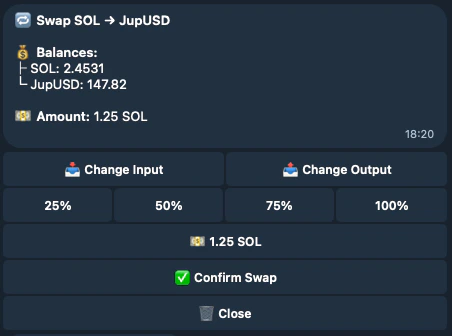
/swap
Swap between tokens directly in the bot. Select input/output tokens, pick an amount (25%–100% presets or custom), and confirm.