Setting Up Notifications
- ⚙️ Settings
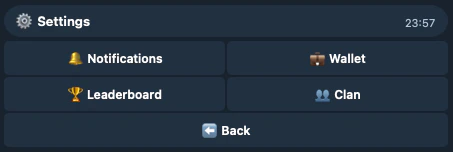
- Toggle notifications for categories you want to get notified:
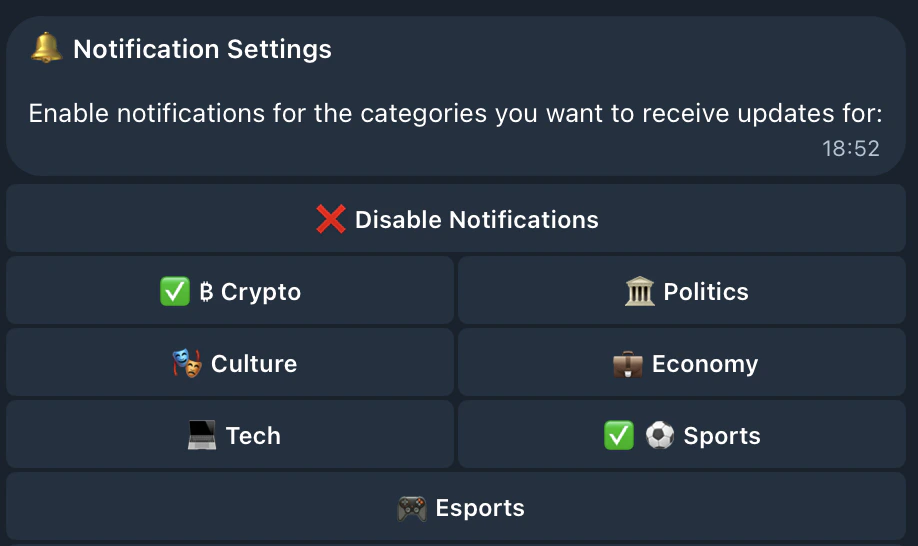
- You can also disable all new event notifications at once using ❌ Disable Notifications:
New Event Notifications
You’ll receive notifications when new events are discovered in categories you follow: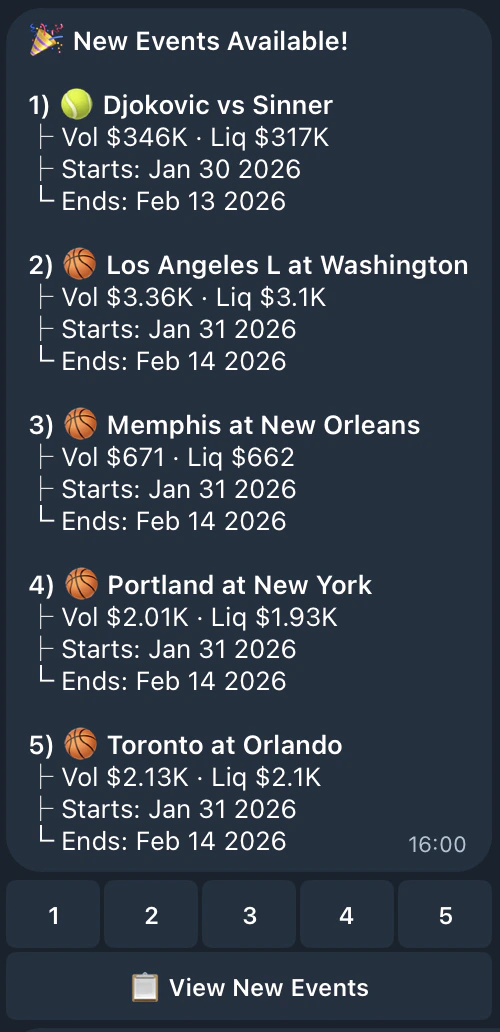
Market Resolved Notifications
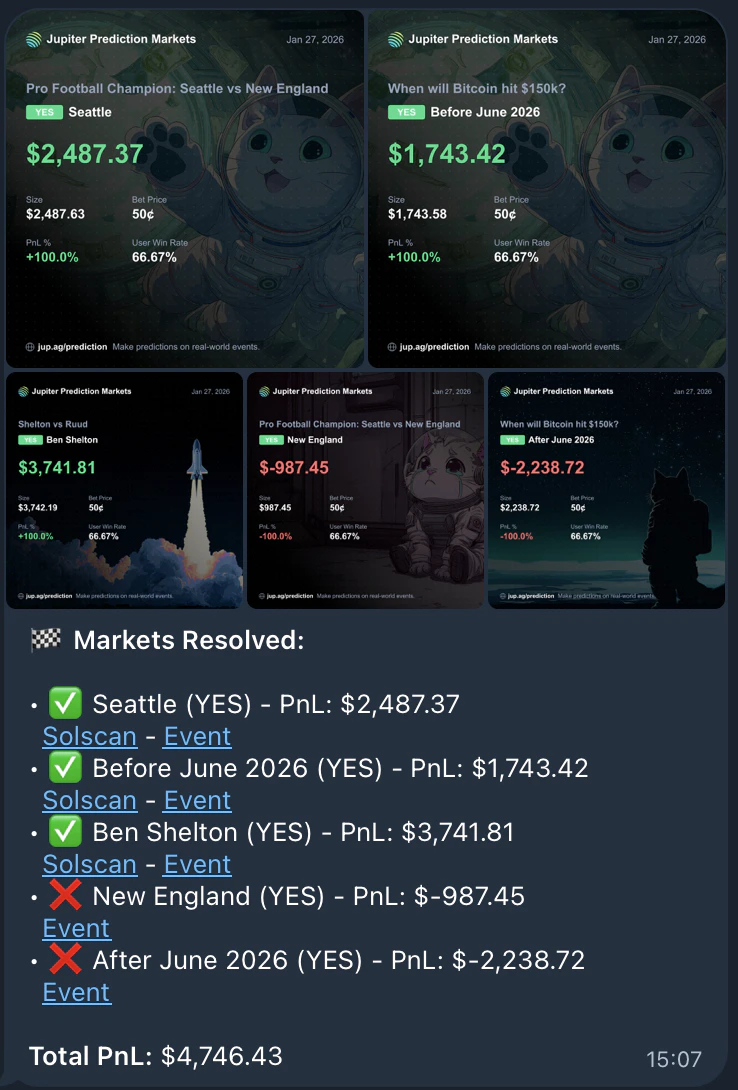
When markets you’ve predicted on are resolved, you’ll receive a detailed summary showing:- Each position’s outcome (✅ won or ❌ lost)
- Your PnL (profit/loss) for each position
- Links to view the claim transaction and the event