

How to Access
Open Active Orders using either method:- Type
/ordersin the chat - Tap Active DCA/Limit Orders from the main menu
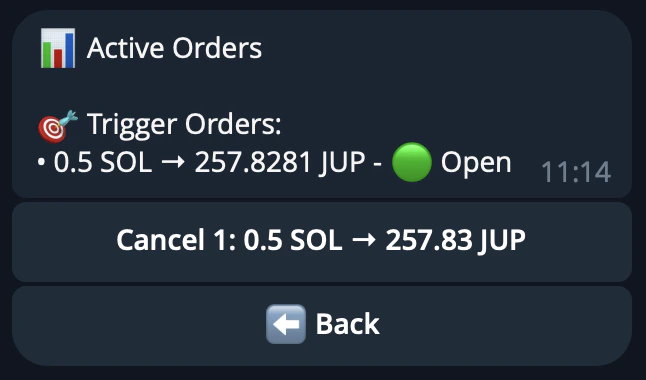
Active Orders View
Recurring Orders (DCA)
Each recurring order line shows:Only the five most recent recurring orders are shown. Completed orders appear with a red status
indicator.
Trigger Orders (Limit)
Each trigger order line shows:Only the five most recent trigger orders are shown. Executed and cancelled orders appear with a
red status indicator.
Cancelling Orders
- Find the order you want to cancel in the list.
- Tap the numbered button next to that order (e.g. 1, 2, 3).
- The bot signs and submits a cancel transaction on-chain.
- The orders view refreshes automatically once the cancellation is confirmed.
Cancellation is immediate and irreversible. Any unswapped funds from a DCA order are returned to
your wallet.